
Branded PDFs and images from one template
Start with words, your own HTML, or a picture of a design you like. thirds.ai turns it into an editable template in your brand, then makes PDFs and PNG, JPEG, or WebP images from it.
- No card needed
- 25 free credits every month
- Every feature included
- Your words, HTML, or image
- Your brand
- Your PDF or image
Invoices, reports, certificates, and images
Real files, made here.
Every file comes out sharp and on brand, so you can send it to a customer as it is, and that is true for one invoice or a thousand.
Northwind Studio
Invoice#1042
- Issued
- 14 March
- Due
- 28 March
- Terms
- 14 days
ItemQtyAmountBrand identity1$2,400.00Landing page1$1,800.00Print templates3$960.00Total due$5,160.00
invoice-1042.pdf2 pages
Ready to send
Northwind Studio
ReportQ1 results
- Revenue
- $48,200
- New clients
- 12
- Growth
- +18%
q1-report.pdf6 pages
Certificate of completionSam Lee
Completed the Northwind Studio brand course on 14 March.
certificate-sam-lee.pdf1 page
- Text and logos stay sharp
- The same design on every file
- Your own fonts and colours
- Ready to send straight away
One template, many files
Change the words, keep the design.
Each picture is one export from the product spotlight template, made through the API. Pick a tab to see the data that changed.
How it works
Three steps to a finished file.
Start with what you have
Type what you need, paste your HTML, or upload a picture of a design you like.
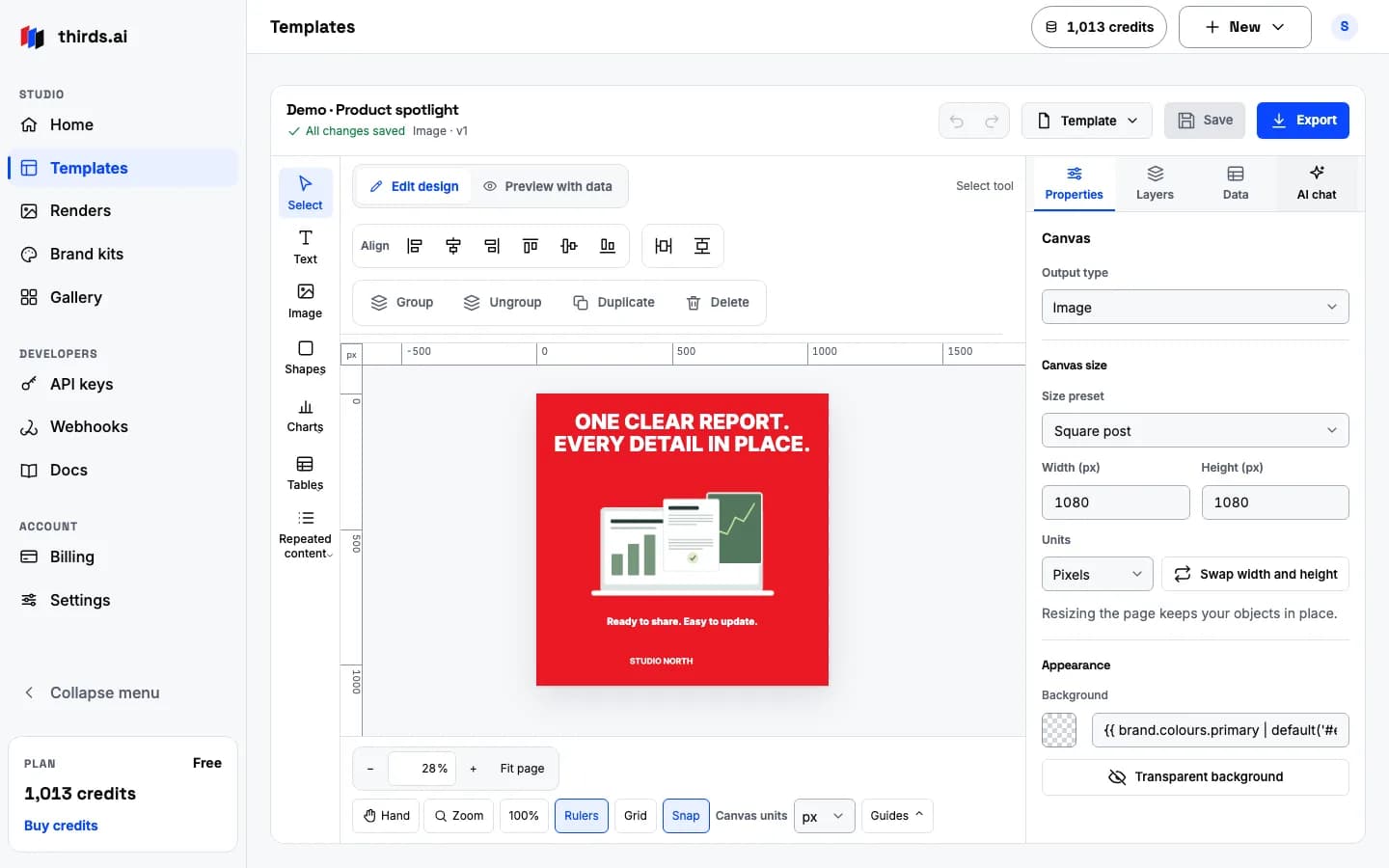
We build the template
It comes back editable, with your logo, colours, and fonts already in place.
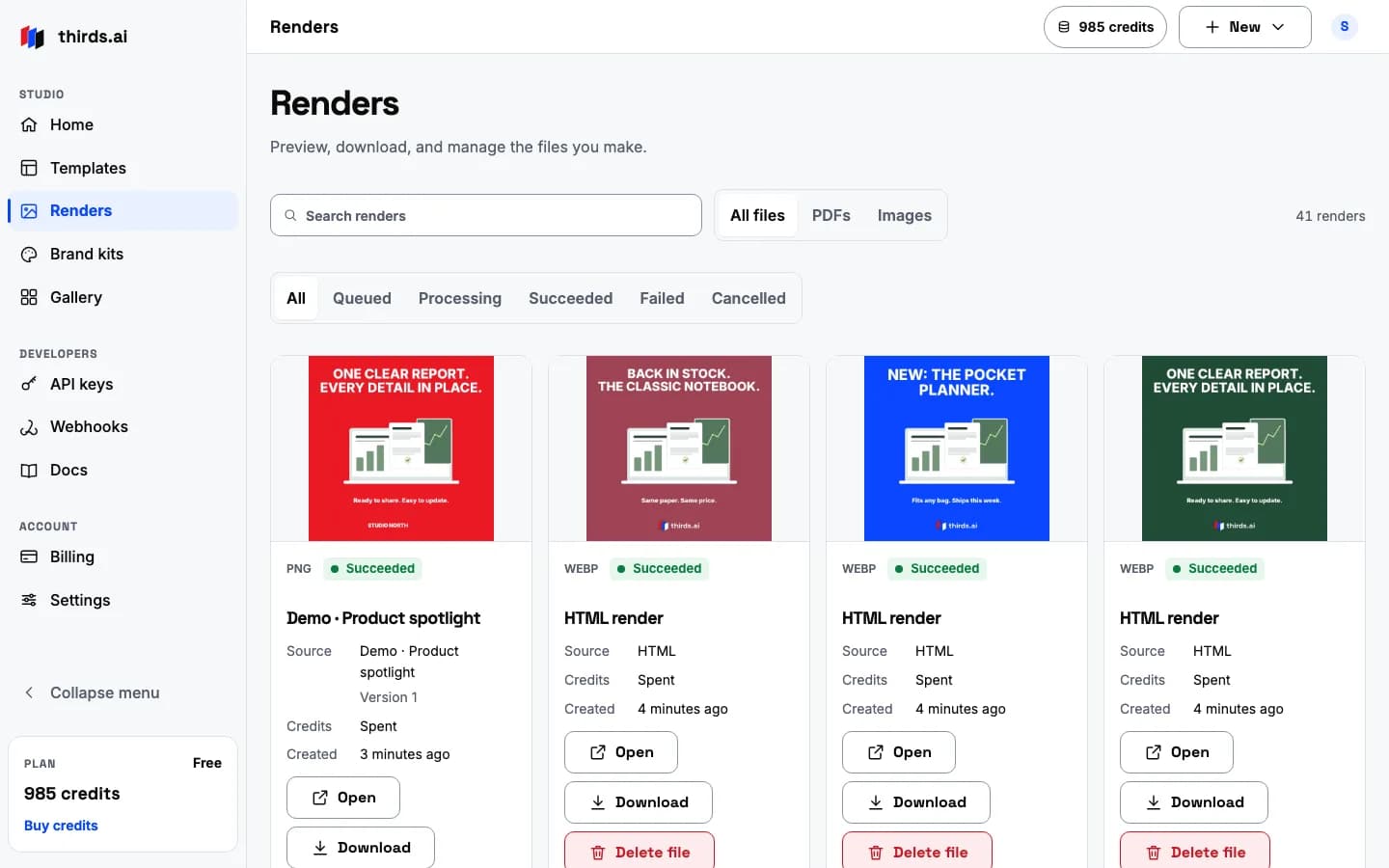
Make the files
Export a PDF or a PNG, JPEG, or WebP image, then send it to people.
Stay on brand
Every file looks like you.
Save your logo, colours, fonts, and layout one time. After that, every document you make matches without any extra work. Pick a colour and watch the whole set follow.
Work once
Build the design once, then use it for every file.
Save a template, add the new details, and every PDF or image comes back matching. Update the template one time and every new file follows along.
- Invoice #1042March
- Invoice #1043April
- ReportQ1 results
- Launch post1080 × 1080
Use it your way
It works however you like to work.
Make PDFs and images by hand in the browser, from your code with one API call, or hands-free through your AI tools.
In the browser
Make one right on the site.
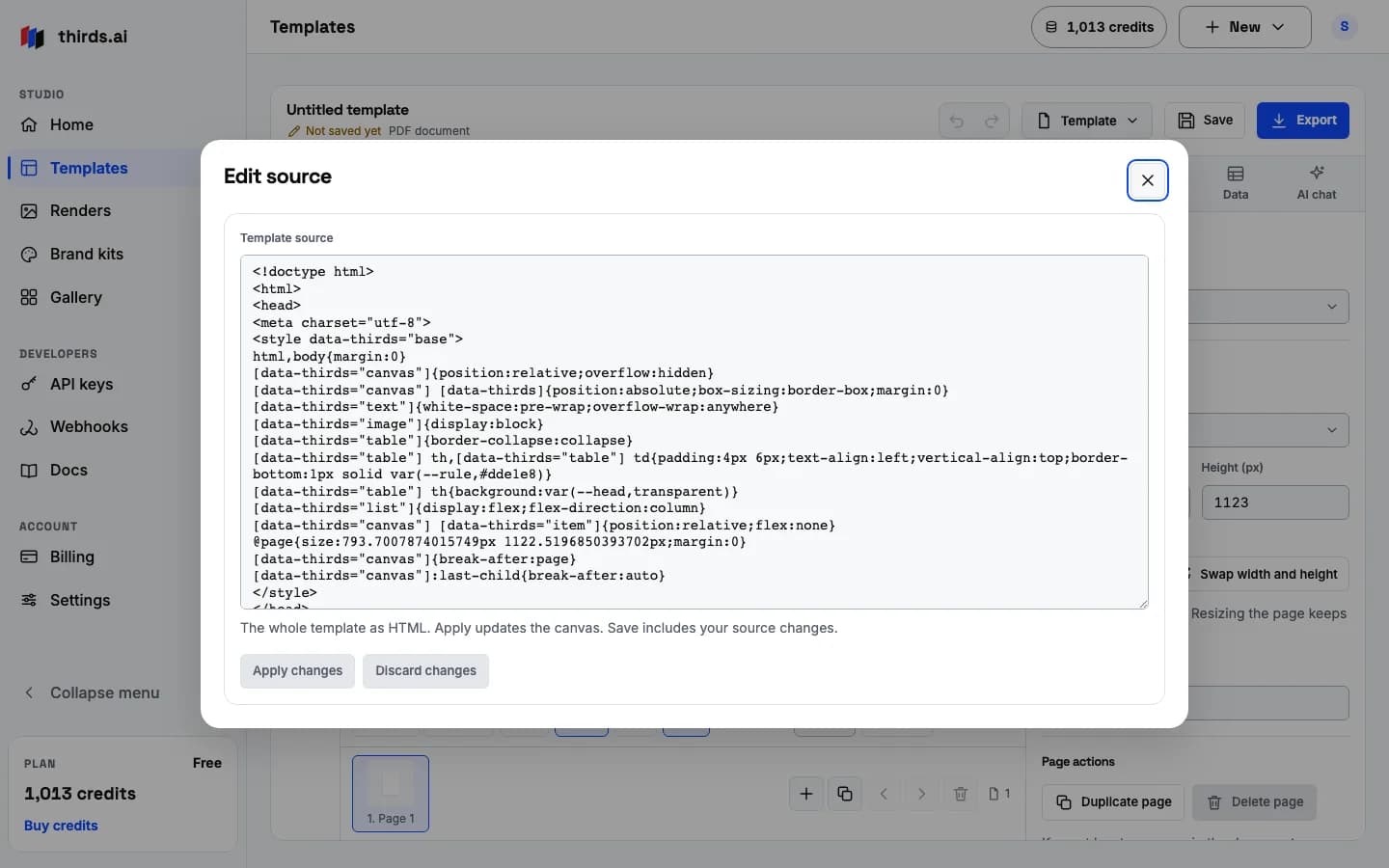
Describe it, paste your HTML, or upload a picture, look at the preview, and export the PDF or image. There is nothing to install.
From your code
Add PDFs and images to your app.
Send your HTML or template data from your app and download the finished PDF or image a moment later.
Through your agent
Let your AI tools handle it.
Connect our MCP server and your AI tools can make and fix PDFs and images for you.
job=$(curl -sS https://thirds.ai/v1/pdf \
  -H "Authorization: Bearer $THIRDS_API_KEY" \
  -H "Content-Type: application/json" \
  -d '{ "html": "<h1>Invoice 1042</h1>" }')
id=$(printf '%s' "$job" | jq -r .id)
while [ "$(printf '%s' "$job" | jq -r .download.url)" = null ]; do
  sleep 1
  job=$(curl -sS "https://thirds.ai/v1/pdf/$id" \
    -H "Authorization: Bearer $THIRDS_API_KEY")
done
url=$(printf '%s' "$job" | jq -r .download.url)
curl -sS "https://thirds.ai$url" -o invoice.pdfSimple pricing
Start free, upgrade when you are busy.
The free plan gives you 25 credits every month, and paid plans start at $29. You can cap your spending, so there are no surprises.
Free plan
$0 a month
- 25 credits every month
- No card needed
- Every feature included